




Rodeoslot Mobile Access
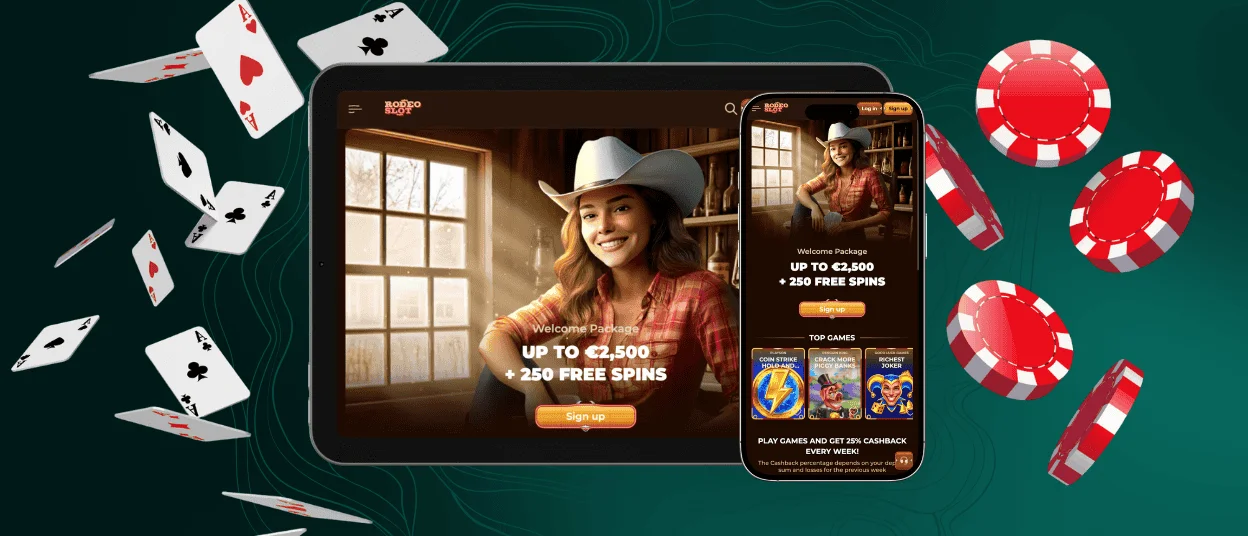
If you fancy the idea of always being available for a showdown with Lady Luck at your side, then the Rodeoslot App is an indispensable asset. It fits our extensive online slots collection into a small package that takes up less space than even the most undemanding app. All our players can easily get it with a few clicks directly from our website.



Using Rodeoslot on Mobile
As our players use a wide variety of devices to visit Rodeoslot Casino, it’s our duty to provide the best possible conditions for the most enjoyable gaming experience. Things are simple on desktop computers and laptops but get tricky when smaller screens come into play. Our browser version is well-optimized for mobile devices, but that’s far from our limit.
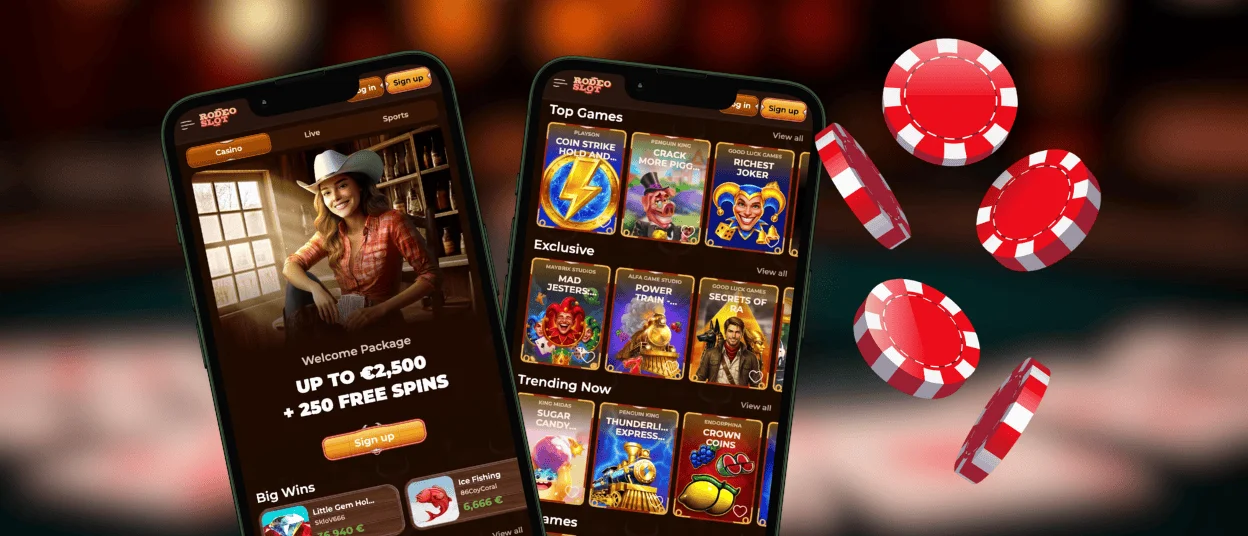
The Rodeoslot app emerged from our efforts to make mobile gaming more than just an adapted browser experience. This meant ridding ourselves of unnecessary interface elements while adding others to make touch navigation more intuitive. There are only so many changes we can implement in the browser, so the app seemed like a natural choice.
| Feature | Browser Version | Rodeoslot App |
| Access | Open the browser, find the right tab, or manually search the Rodeo Slot Casino website—at least 2 clicks and a few seconds. | Click the icon on the Home Screen and access our Casino Lobby—1 click and a bit less than a few seconds. |
| Navigation | Browser interface (tabs, address bar, menus) takes up screen space. | Full-screen interface focused on the casino, with a pinned interface bar featuring the 5 most useful functions always on your screen. |
| User Experience | Visiting a website from a small-screen device: nothing inconvenient. | Feels like a native mobile application without any distracting elements like ads and pop-up banners. |
| Game Interface | Much of the free space is occupied by a background image because of the screen size. | A game-focused design that uses screen space to its fullest, with much less free space left unoccupied. |
As you can see, the Rodeoslot app doesn’t revolutionize the mobile casino industry; rather, it makes the mobile user experience more comfortable. The same goes for tablet users: our app automatically adjusts to your device’s screen size. As such, it’s a great option for regulars who want to stay tuned wherever they go.
Benefits of PWA
We keep referring to the Rodeoslot software as if it were a regular native app, but it’s not. Our app is a Progressive Web Application that combines the browser version and the regular app to bring out the best in both. In some aspects, it’s much better than regular apps, primarily:
- Takes up little to no space on your phone.
- Doesn’t require any permissions.
- Works equally well on all platforms.
- Utilizes the same security protocols and practices as the Rodeo Slot main website.
You also won’t have to go through any app stores to get it, meaning it won’t just disappear for some reason, preventing you from getting regular updates. The Rodeoslot app updates automatically every time you launch it, so you will always use the latest version even if changes were implemented a few minutes before.
Rodeoslot App for Android
As for the few clicks we mentioned, that couldn’t be more true for Android users. All you need to do is go to the Rodeoslot Casino website and create a shortcut by pressing the More icon in the address bar. It looks like three vertical dots and allows you to perform several actions on the page, including placing the shortcut icon on the Home Screen.
If you can’t find the required button or use a browser that lacks this functionality, you can always press the Rodeo Slot Casino App banner. It redirects you to a page with instructions tailored to your chosen browser, including screenshots to minimize confusion. Alternatively, you can contact our Support Team via live chat for installation help.
We know that Android users can install software from literally any source with an APK file. Our app is only available for download from our website. Please refrain from installing any Rodeoslot APK you may come across online. It’s not ours, and we can’t guarantee it won’t harm you. Visiting our website is the only way to get our app.
Rodeoslot App for iOS
Getting our application on iPhones and iPads presents no challenges, but it requires you to use a specific browser. Safari is the best option, as other browsers lack the required features when used on iOS. The installation steps are as follows:
- Press “Share” when on the Rodeoslot Casino main page (or another page you want to be on quick access)
- Press “Add to Home Screen”
- Press “Add” once again
Our software supports the full functionality of the website version. You can play the same games, claim bonuses, add and withdraw funds, and even submit your documents during the verification process. You lose nothing and gain much by making this choice when playing on a mobile device or tablet.
Desktop App for Windows and macOS
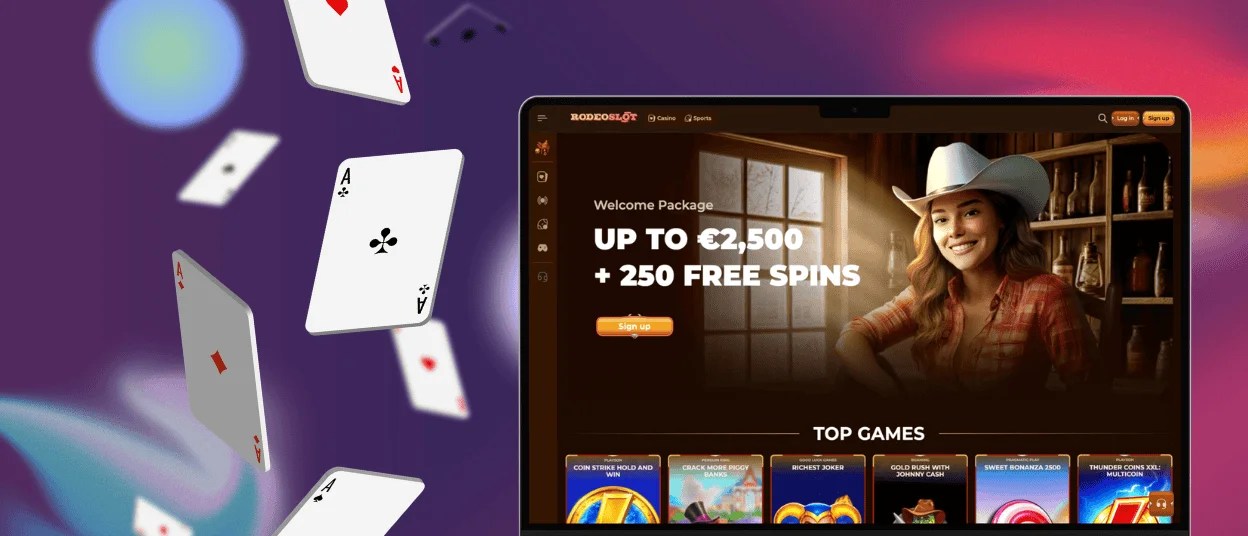
We don’t discriminate based on device choice, so even computer users can benefit from our app. While the design differences will be minimal, the Rodeoslot app still provides a more focused gaming experience. You can access our casino with one click, and there are no tabs to distract you.
Windows owners have it the easiest: just press “Install application” in the address bar when on our website and confirm your choice. Mac users will need to use the Dock in Safari to install our app. Press “File” and “Add to Dock”, and the Rodeo Slot Casino icon will appear in your Dock.
FAQ
Is creating an account required to use the Rodeoslot app?
No, all users can get our app, even unregistered ones. If you downloaded it while logged in, the app will remember your login credentials, so you won’t need to log in again. If you don’t have an account, you will need to create one, and you can do so in the app with just a few taps.
Does the Rodeoslot Casino app offer customer support?
Yes, our app supports the full functionality of our website, including customer support. You can contact us via live chat or email as usual, with the same waiting-time margins. The chat interface is a bit different, but that’s the extent of the changes.
Does the app support push notifications?
The notification settings depend on your browser permissions. If you have allowed your browser to send notifications, yes, Rodeo Slot Casino will be able to do the same. You can turn off push notifications for our app separately in your Profile settings. However, if you have this function disabled for your browser, we won’t send you any notifications at all.


